01SOURCE
Choose your signal
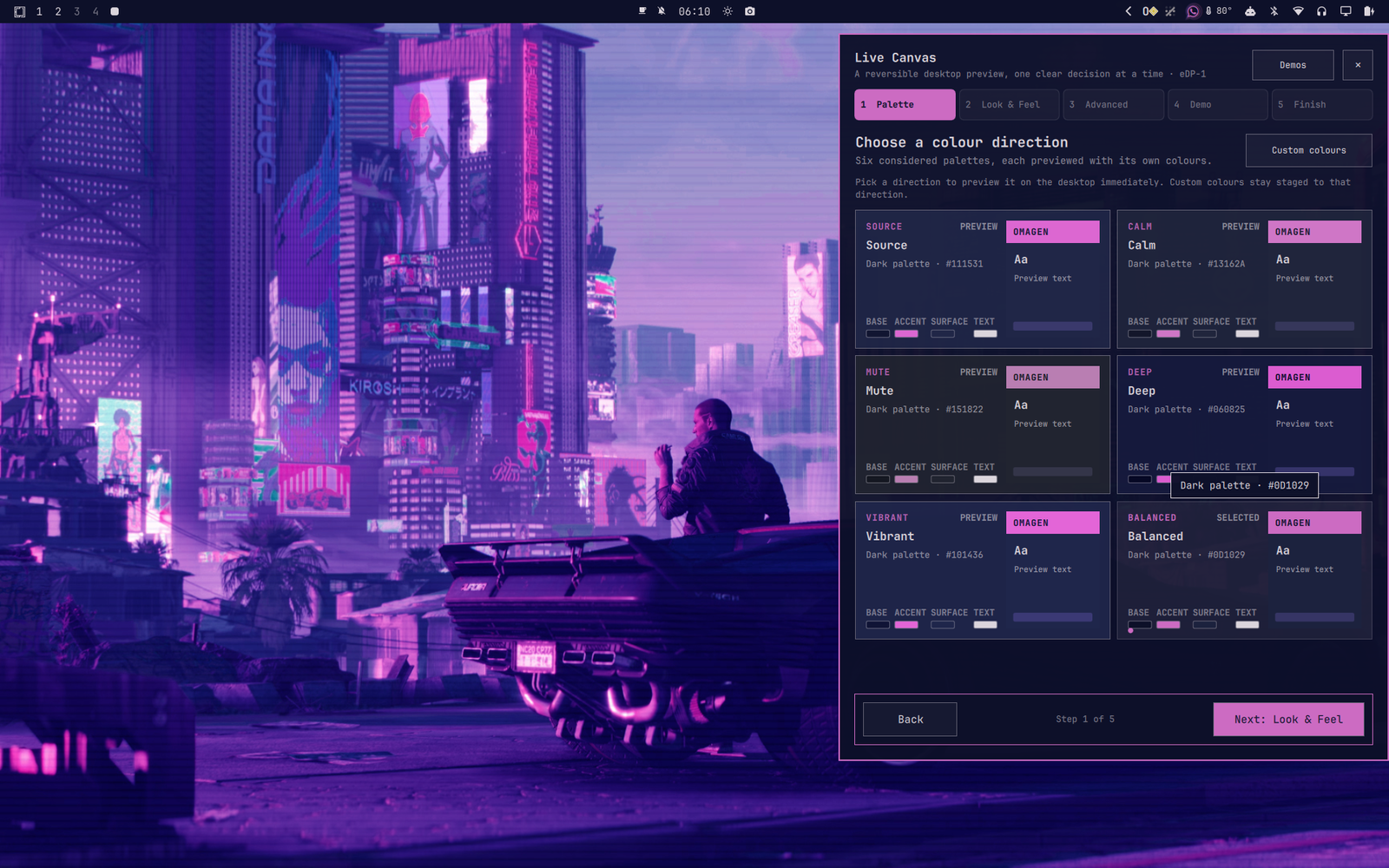
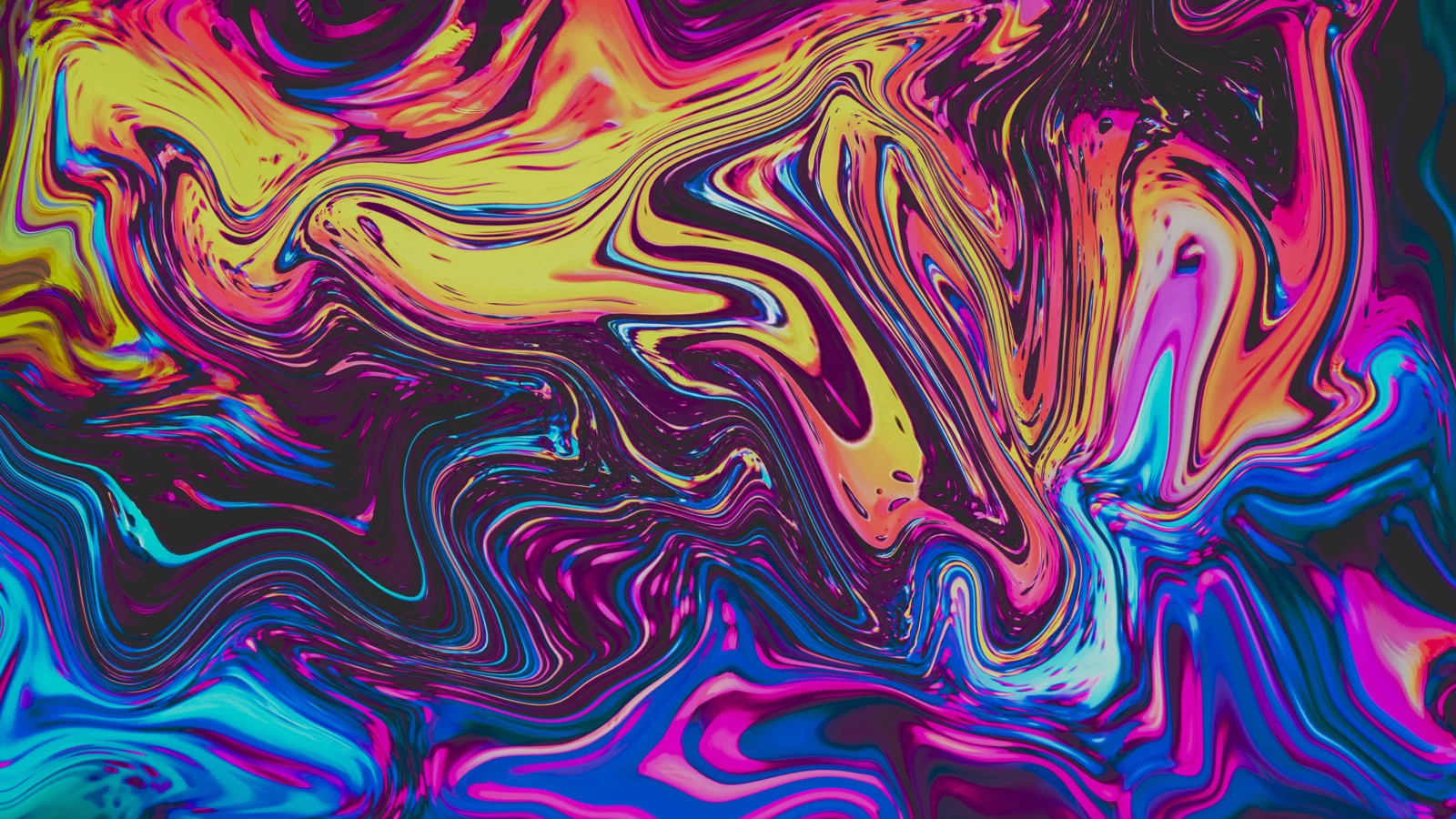
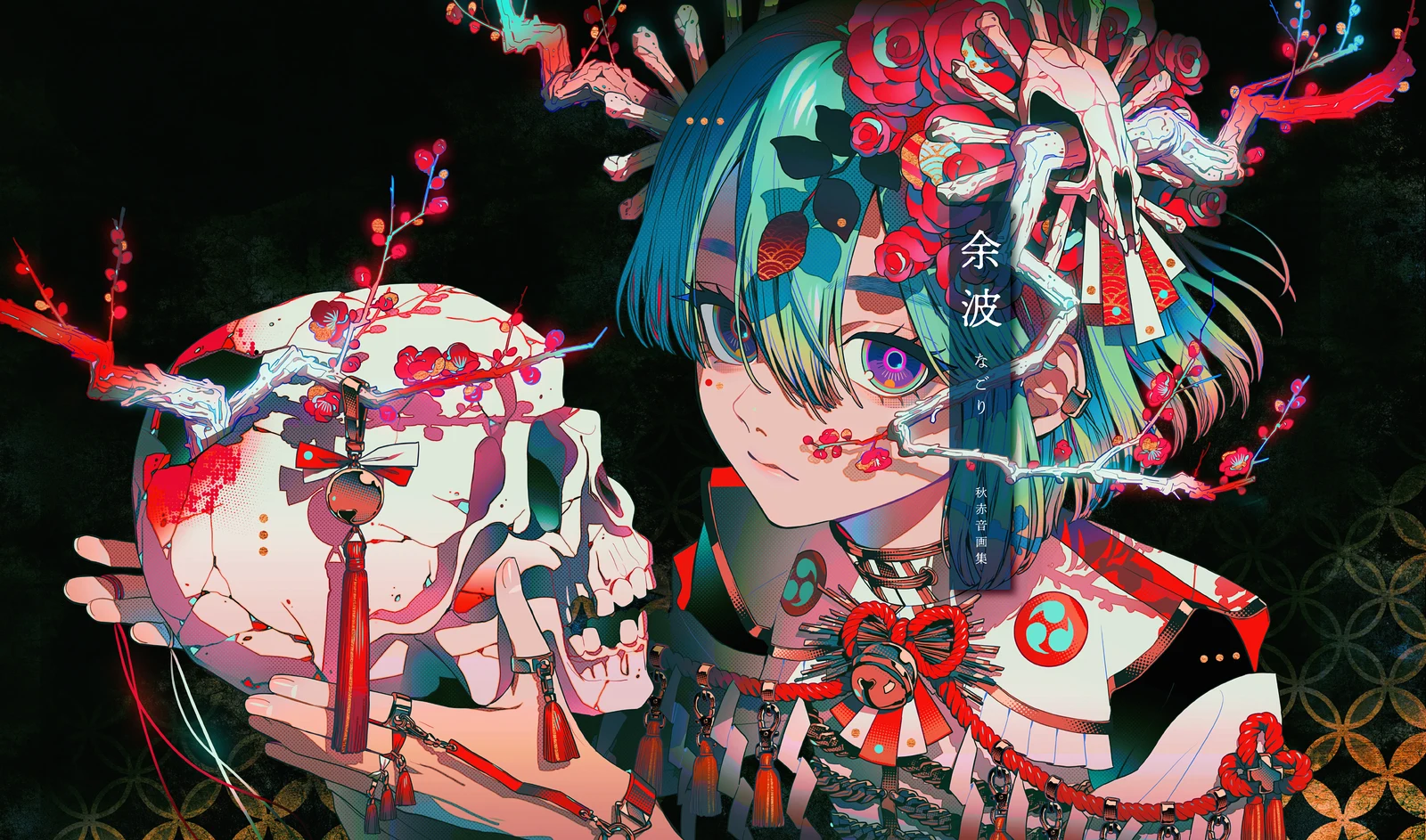
Bring a wallpaper, artwork, or photograph you already like. Omagen extracts the colors that give it character.
 OMAGEN
GitHub
↗
OMAGEN
GitHub
↗
Image-to-theme studio for Omarchy Quattro
Turn an image you love into a complete Omarchy theme. Explore the mood, preview the details, and apply it only when it feels right.
omarchy plugin add https://github.com/prettyletto/omagen.git --enable --yes
Go is not required. The runtime backend ships with the plugin.
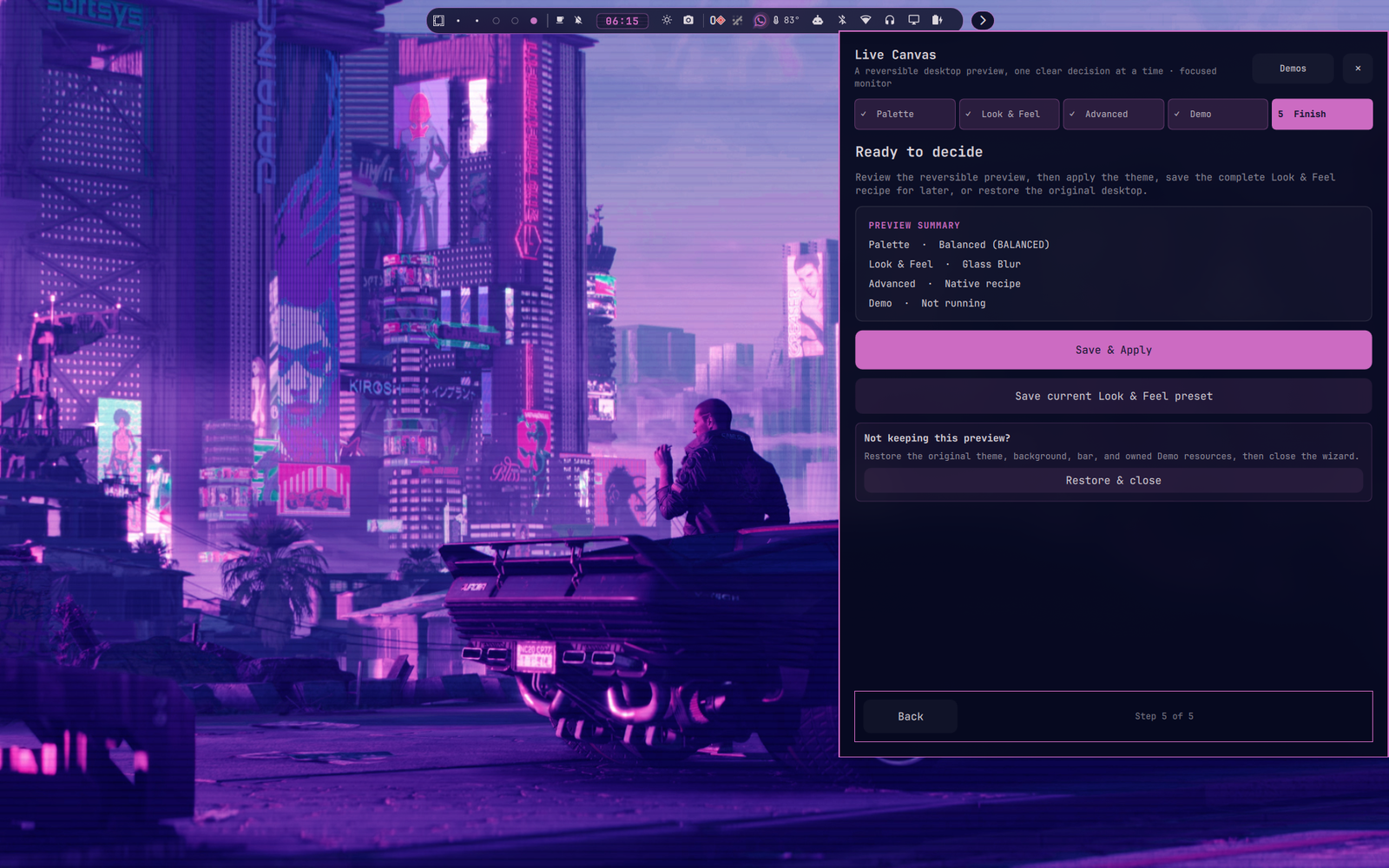
Omagen reads the colors and atmosphere of a source image, then turns that signal into a coherent desktop direction—not just one dominant color.
Follow the visual thread from source image to a theme you can actually live with.
Bring a wallpaper, artwork, or photograph you already like. Omagen extracts the colors that give it character.
Compare Source, Calm, Mute, Deep, Vibrant, and Balanced. Add Window, Shell, Bar, and animation choices when you want more.
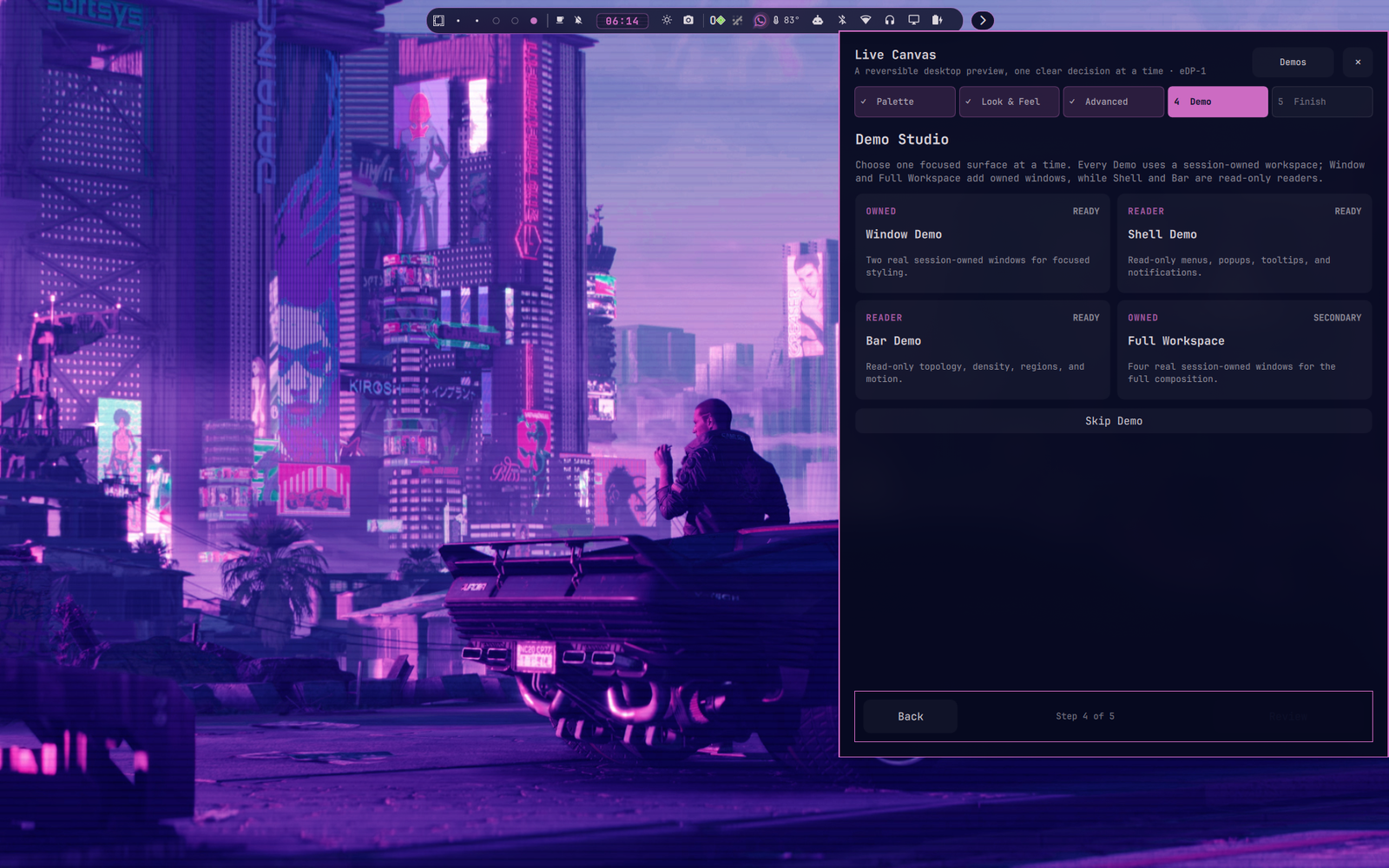
Test it live or open a temporary Demo workspace. Apply when it feels right—or cancel and return to where you started.
Live Canvas and Demo let you judge the whole composition before it becomes permanent. See the palette across real desktop surfaces, with useful fallbacks when an optional app is not installed.
Read the workflow ↗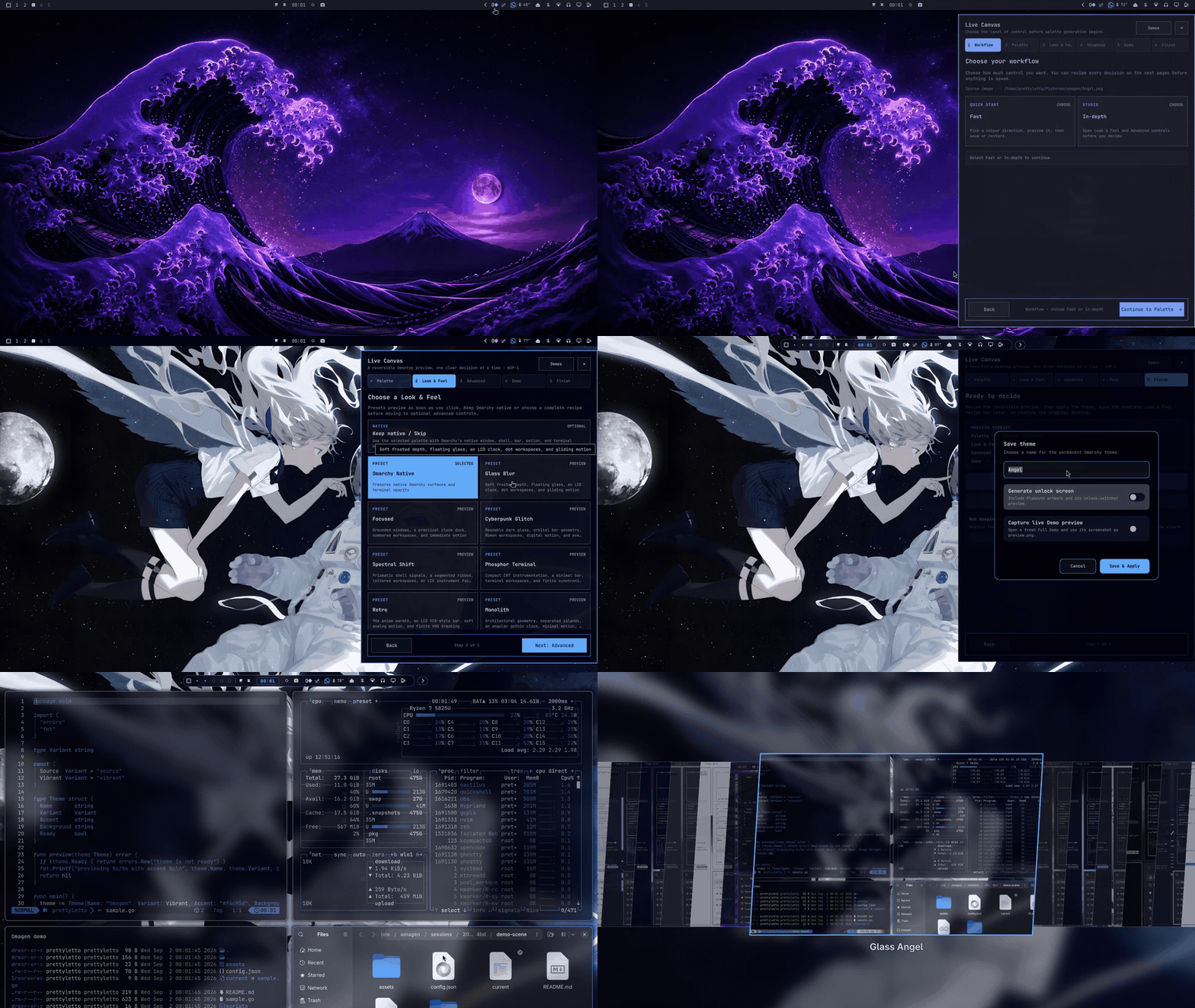
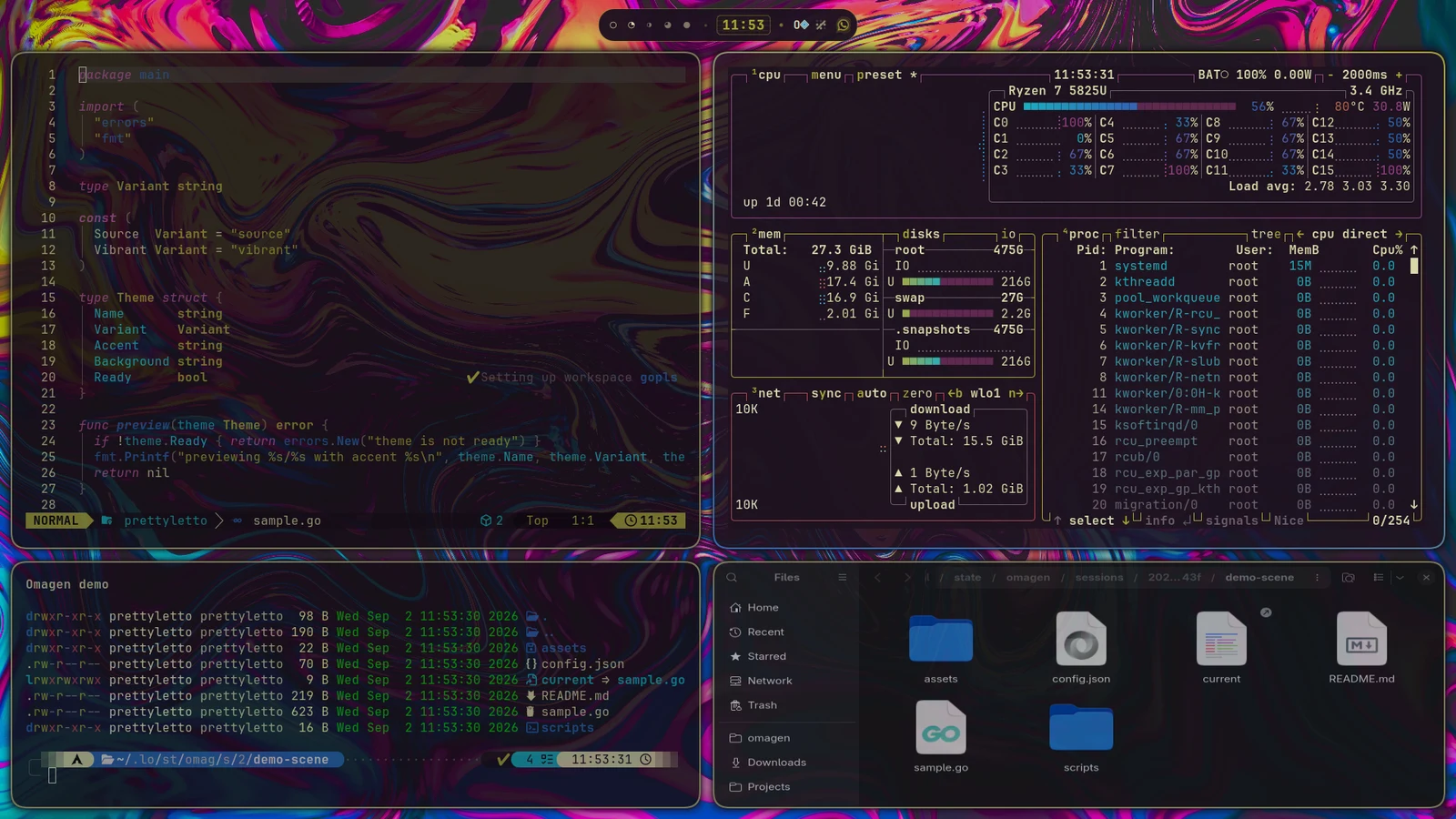
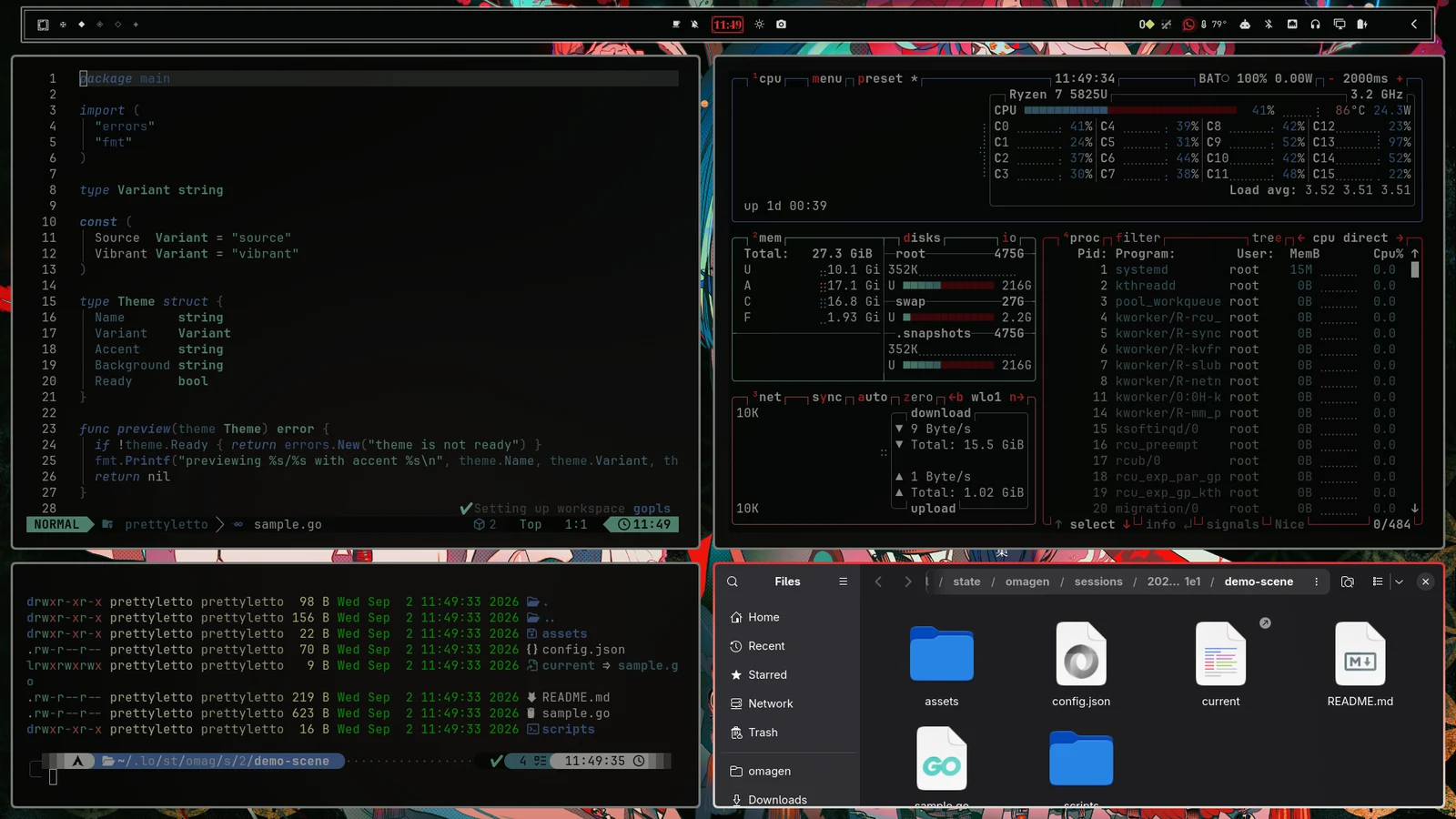

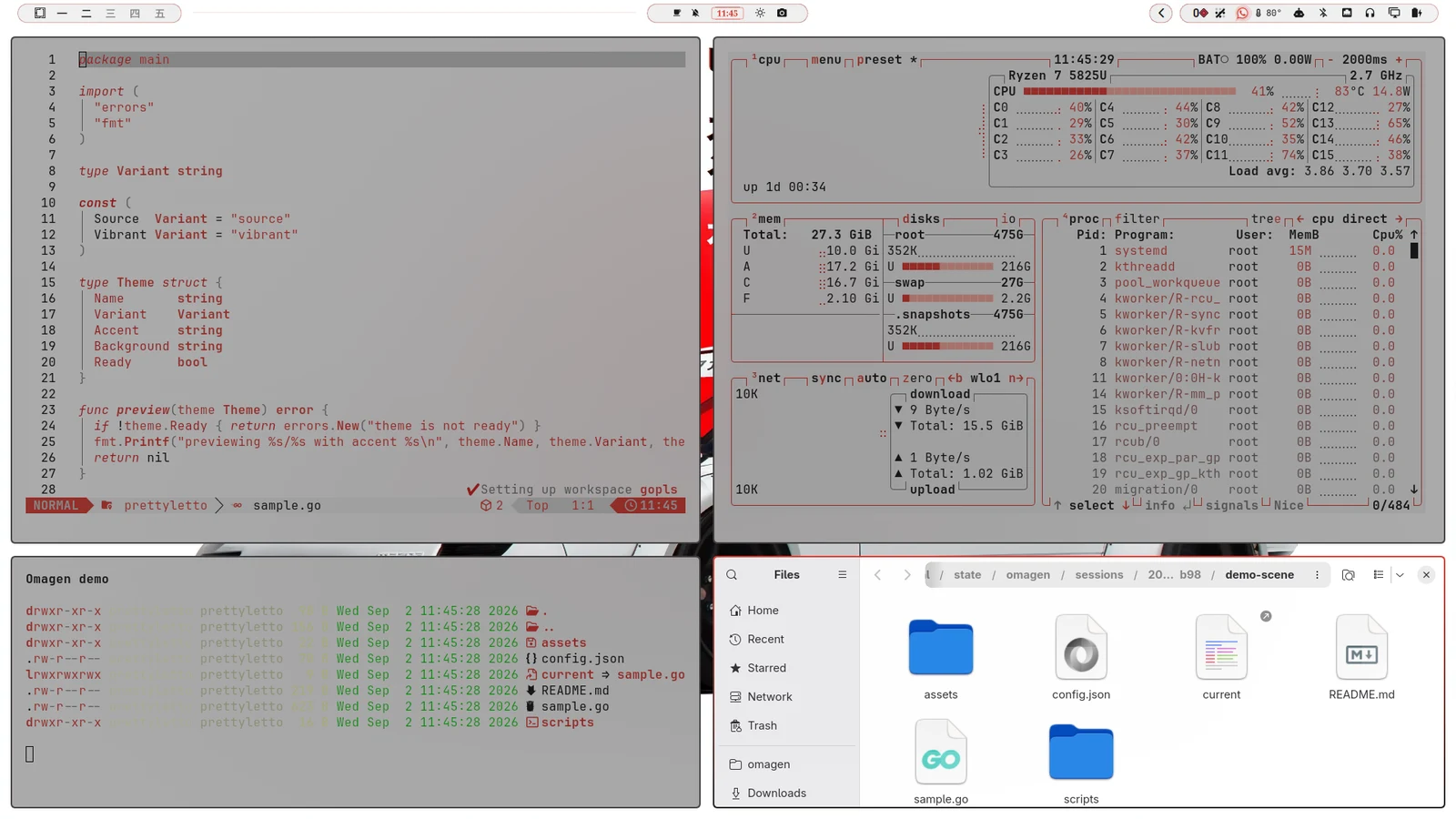

Test live or open a temporary Demo workspace before saving a named permanent theme.
Cancel and Quit use the same recovery path for the original theme, background, and Omagen-owned resources.
No sudo. No silent native-bar replacement. Unrelated themes and user files stay outside Omagen’s ownership.

Start with the image already on your mind.